


I can't upload an avatar. I cant unselect the don't use an avatar feature.

Supper Moderator
Joined: Feb 2009
Posts: 3,894
From: Tallahassee, FL

LOL..that would have been a better response by me if you put Bama as my pic.
Member
Joined: Feb 2010
Posts: 110
From: Ames, IA
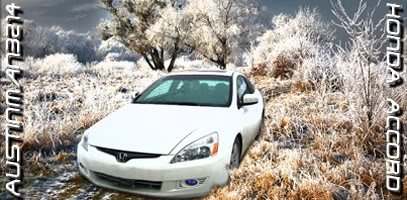
i put it in as http://i691.photobucket.com/albums/v...3214/CarSig.jp g with the [img] [/img] tags at the end however the image does not show up. i have tried png and jpeg formats and also smaller sizes, however, none of them work. same with my avatar, i cant even find where to upload an avatar.
i have the img tags before and after the link in my sig currently, but as you can see it doesnt work. (the image is big but still it should show)
i have the img tags before and after the link in my sig currently, but as you can see it doesnt work. (the image is big but still it should show)
Member
Joined: Feb 2010
Posts: 110
From: Ames, IA
I'm sure anyone with Windows XP and above has some sort of a firewall... Other than an expired avast and spybot I have no other blocking software.
I've been in the forum business for a little while now (crymod ) and have gotten signatures to work just fine. same procedure. I feel this site's different though with a few odd restrictions and options that don't exist (easily add an avatar...cough cough)
I've been in the forum business for a little while now (crymod
) and have gotten signatures to work just fine. same procedure. I feel this site's different though with a few odd restrictions and options that don't exist (easily add an avatar...cough cough)

Super Moderator
Joined: May 2006
Posts: 18,398
From: Wisconsin
Yea, OK you're over my head then. I don't know why it doesn't show up. For that matter I can't think of a good reason why members can't add their own avatars, while new member can post active links to all kinds of spam sites.

